Sienna
Everyday context, kept close.
My role
Builder of a personal local-first assistant, including native apps, a private Gateway, notes and reminders, and search with visible sources.
Project status
Private prototype · Mac app with an iPhone companion in development.

The idea behind the work.
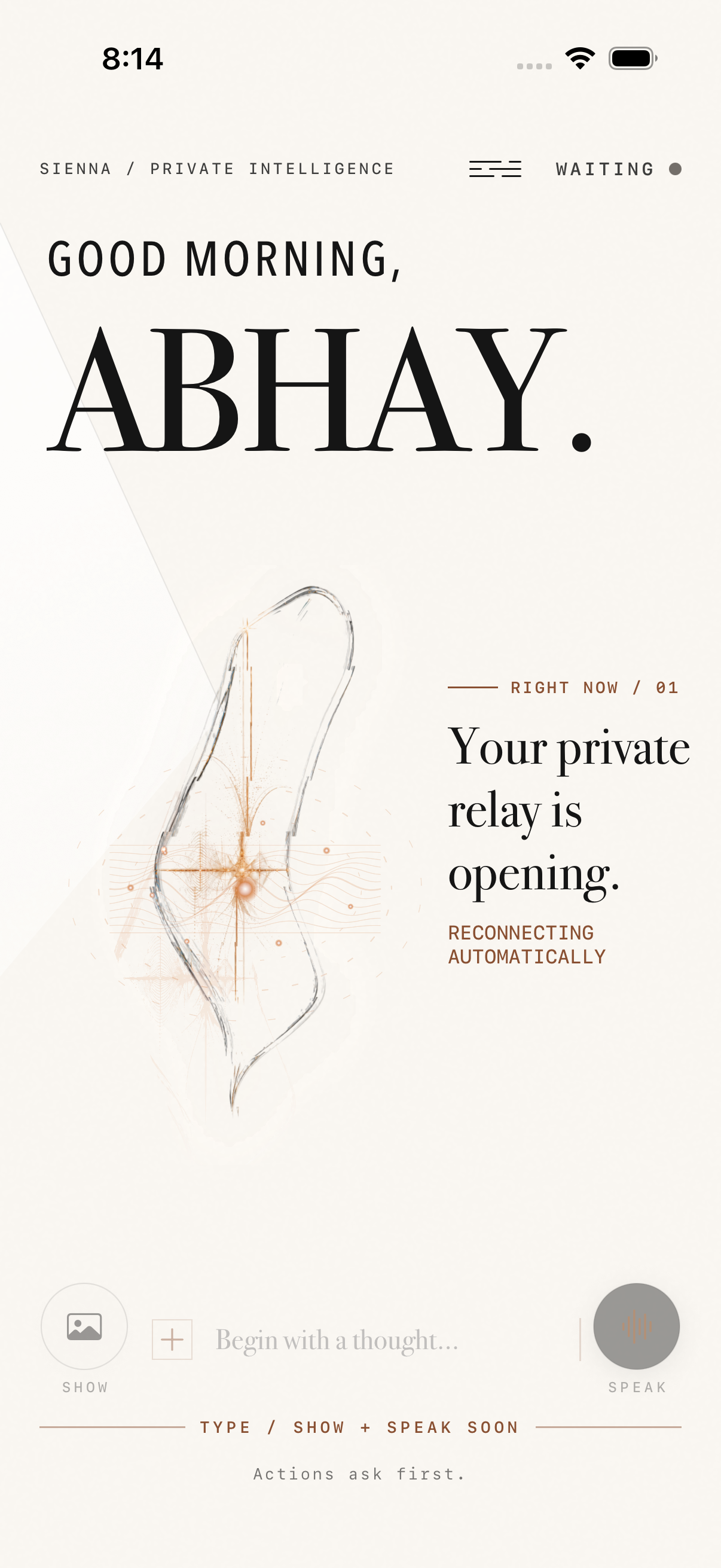
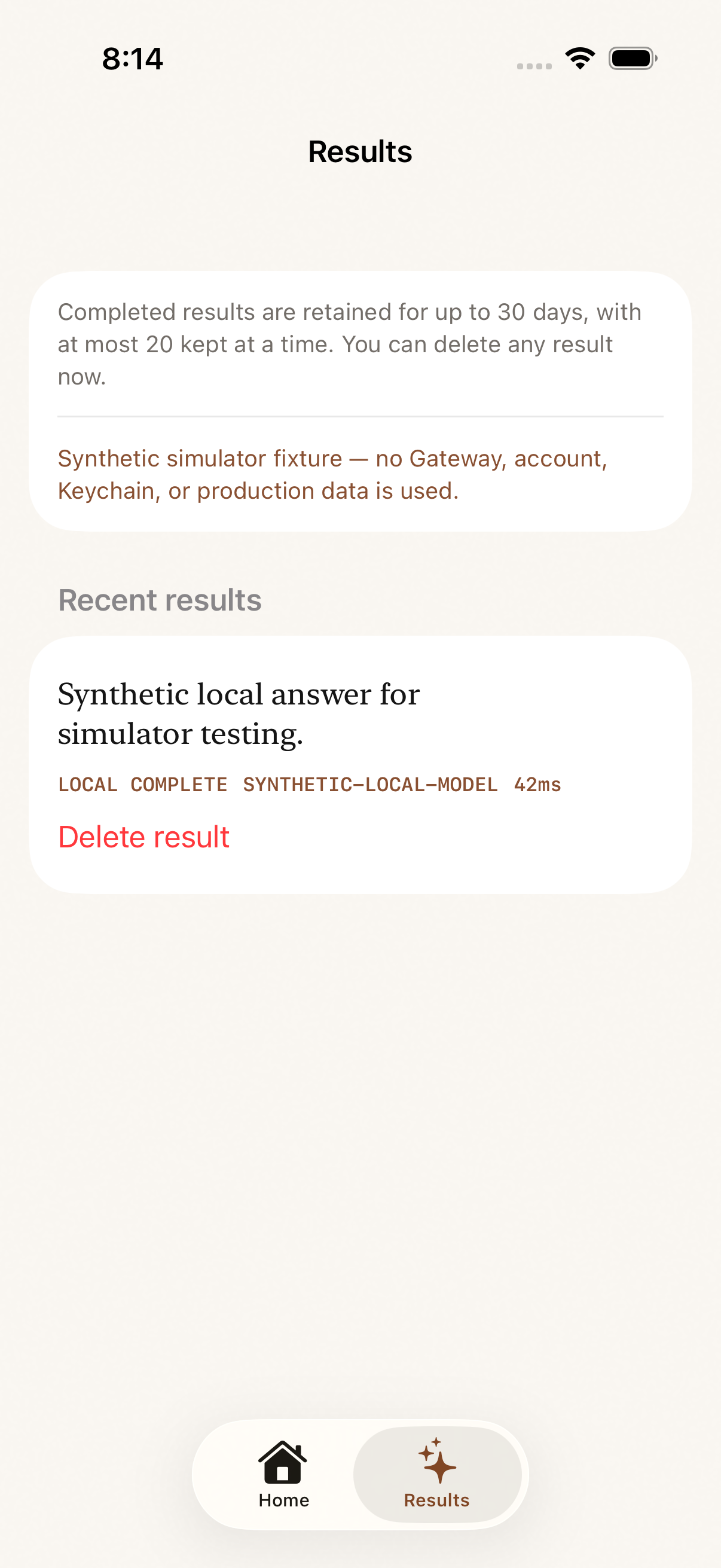
Sienna is my local-first assistant prototype. The product question is how help can remain understandable as it moves from a conversation to saved information and action. Native Mac and iPhone apps connect through a private Gateway; saved records persist and search results show their sources. The organizer includes notes, checklists, reminders and notification actions. Pasted text or a link can become a saved note that can be revised or deleted. The Mac features have been checked in isolation, while the iPhone images below show an earlier Simulator build. Testing with synthetic data helps check security and recovery, but does not replace use on physical devices.
What I chose.
And why.
A personal assistant can sound confident while hiding what it knows, what it has saved and whether an action actually completed. I wanted a product with saved records, visible sources and a clear status for every action.
Use native SwiftUI clients with a private authenticated Brain Gateway and durable local records.
Require structured proposals for actions; test permission checks and recovery using synthetic data, separately from model output.
Show sources in search, let me revise or delete saved notes, and support saving pasted text or links with a visible action result.
Closer to the source.
Dates and capture context are preserved with the media.
An earlier desktop handoff.
Play on demand / Silent recordingThe earlier desktop interface separates Request received, Result prepared and Review on your iPhone. A saved cat-image result opens in a preview. These visible states explain the product interest in showing what happened and what still needs review.
Historical interface demonstration. It does not demonstrate the current native Mac notes, reminders or search features, or verify delivery to a physical iPhone. Those capabilities are described separately from the media shown here.
What the work shows.
Prototype checks used synthetic data to test authorization and recovery. Isolated Mac checks covered creating, updating and deleting notes across restarts, stable checklist items, one-off notification banners and their actions. The implementation also includes saving pasted text or links. Those are reported implementation checks; the public media here shows an earlier desktop handoff and historical iPhone Simulator screens, including an explicitly synthetic Results fixture.
Where I keep the distinction.
The earlier desktop recording is an interface demonstration, not a capture of the current native Mac organizer. The 5 September iPhone images are from the Simulator, including a Results screen with synthetic test data. Mac checks were isolated feature checks. Complete use across physical devices has not been verified.